Skip to content

W11.es

  • Home
  • Tutorials
  • Downloads
  • Requirements
  • Contact

Requirements of Windows 11

What are the requirements to install Windows 11? What about the minimum requirements? Here you'll find everything related to limitations for using Windows 11, and some tricks to avoid them.

Modern and minimalist laptop on a white surface, ideal for representing a team with Windows 11

Windows 11 with 8 GB of RAM: Is that still enough?

November 2th 2026 by Isaac

Find out if 8 GB of RAM is enough for Windows 11. We analyzed the performance, the impact of Copilot, and Microsoft's optimizations.

Categories Requirements of Windows 11
I don't have space to update Windows 11

I don't have space to update. Windows 11: solutions and tricks

6 September 2026 by Isaac

No space to update Windows 11? Discover how many GB you need and all the safe ways to free up storage and complete the installation.

Categories Requirements of Windows 11, Tutorials for Windows 11
monitors for Windows 11

Complete guide to monitors for Windows 11

July 7, 2026 by Isaac

Discover how to choose and configure monitors for Windows 11: Panel types, resolutions, multitasking, ergonomics, and recommended models.
Categories Requirements of Windows 11, Tutorials for Windows 11
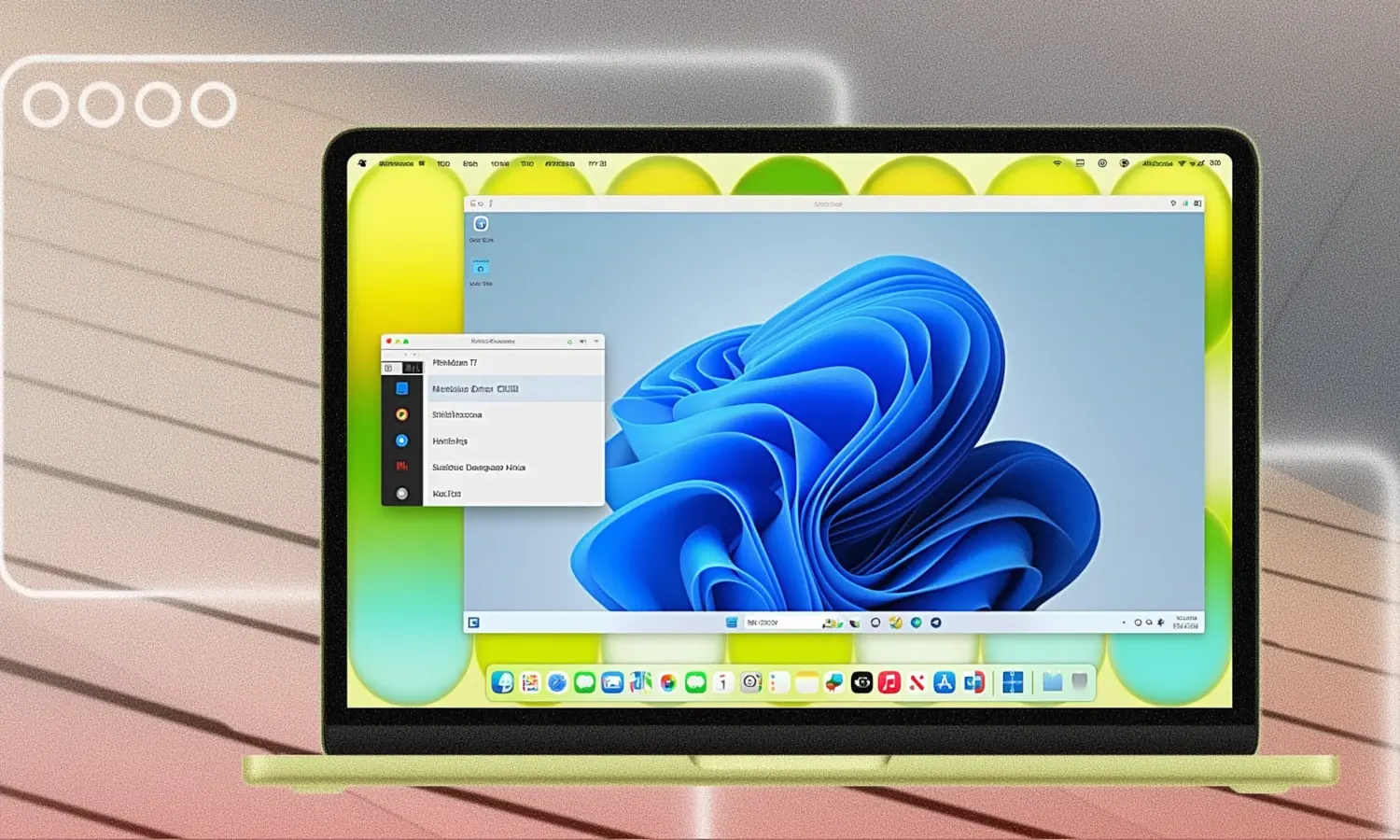
Windows 11 on MacBook Neo

Windows 11 on MacBook Neo: Complete usage guide and real limitations

28 June, 2026 by Isaac

Discover how it really works Windows The 11 on MacBook Neo, its limits with 8GB of RAM and the best options to virtualize it without surprises.

Categories Requirements of Windows 11, Tutorials for Windows 11
Ubuntu raises its requirements and surpasses Windows 11 in RAM

Ubuntu increases the recommended RAM and gets ahead of Windows 11

28 June, 2026 by Isaac

Ubuntu raises the recommended RAM and surpasses Windows 11. Find out what changes, what PC you need, and what to do if you only have 4 GB.
Categories News about Windows 11, Requirements of Windows 11
Identify your hardware in Windows 11

How to identify your hardware in Windows 11 step by step

15 June, 2026 by Isaac

Find out what processor, RAM, graphics card, and motherboard you have in Windows 11 with simple methods and advanced tools.

Categories Requirements of Windows 11, Tutorials for Windows 11
Windows 11 as a portable system on an external SSD

Windows 11 as a portable system on an external SSD: complete guide

11 June, 2026 by Isaac

Discover how to use Windows 11 as a portable system on an external SSD, requirements, advantages, limitations and common problems explained step by step.

Categories Requirements of Windows 11, Tutorials for Windows 11
Windows 11 as a test lab host

Windows 11 as a test lab host for Active Directory and Microsoft 365

11 June, 2026 by Isaac

Learn to use Windows 11 as a lab host with AD and Microsoft 365, requirements, hypervisors and tools like BadBlood.

Categories Requirements of Windows 11, Tutorials for Windows 11
Tutorial for enabling Copilot+ on your system Windows 11

Tutorial for enabling Copilot+ on your system Windows 11

9 June, 2026 by Isaac

Learn how to activate Copilot+ in Windows 11. Key requirements, tips, and uses of the AI ​​assistant built into your PC.

Categories Requirements of Windows 11, Tutorials for Windows 11
Identify your motherboard, processor, and RAM in Windows 11

How to identify your motherboard, processor, and RAM in Windows 11 and check its compatibility

6 June, 2026 by Isaac

Discover how to view your motherboard, processor, and RAM in Windows 11 and check its compatibility before upgrading your PC.

Categories Requirements of Windows 11, Tutorials for Windows 11
Previous Posts
Page1 Page2 ... Page4 Next →

All Windows 11

Tutorials, apps, and tips to become an expert in Windows 11

  • Privacy policy
  • Contact
© 2026 W11.es
  • Home
  • Tutorials
  • Downloads
  • Requirements
  • Contact